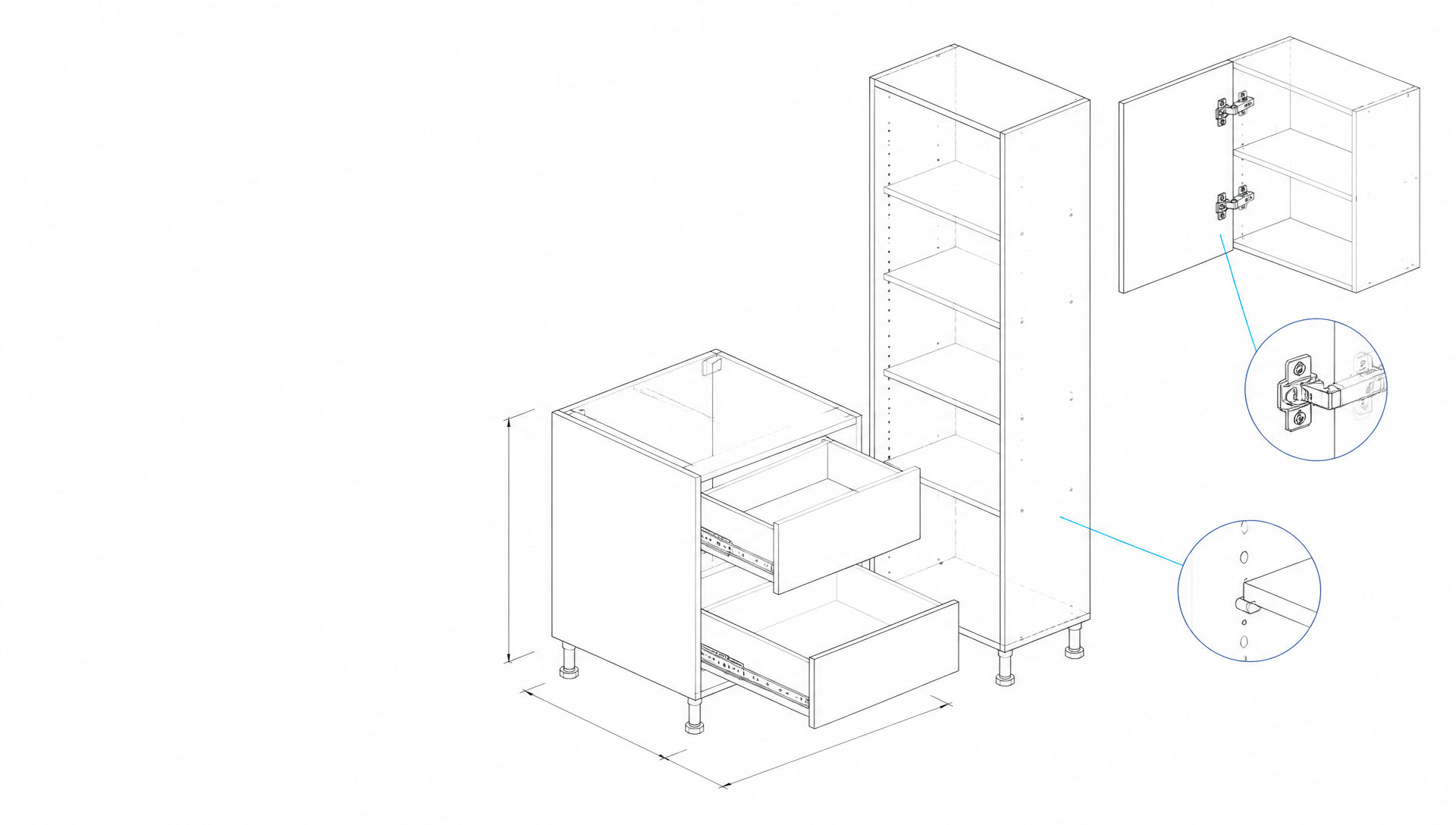
Changes stay connected
Change one thing. See what it affects.
Dependent parts can follow a change instead of being adjusted one by one.
Want early V1 access?Join the MC Studio waitlist
MC Studio. The word Studio cycles through CRM, CAD and CAM while Plan, Design and Manufacture appear beneath it. Plan. Design. Manufacture. One studio.
Built from the workshop
MC Studio brings the clients, projects, furniture design and workshop information around your work into one connected workspace.
From the first idea or customer enquiry to the design and the information needed to build it, the project has one place to stay connected.
Browser-based furniture software for cabinetmakers, custom-furniture makers, independent makers and growing workshops.
Built around how furniture gets made
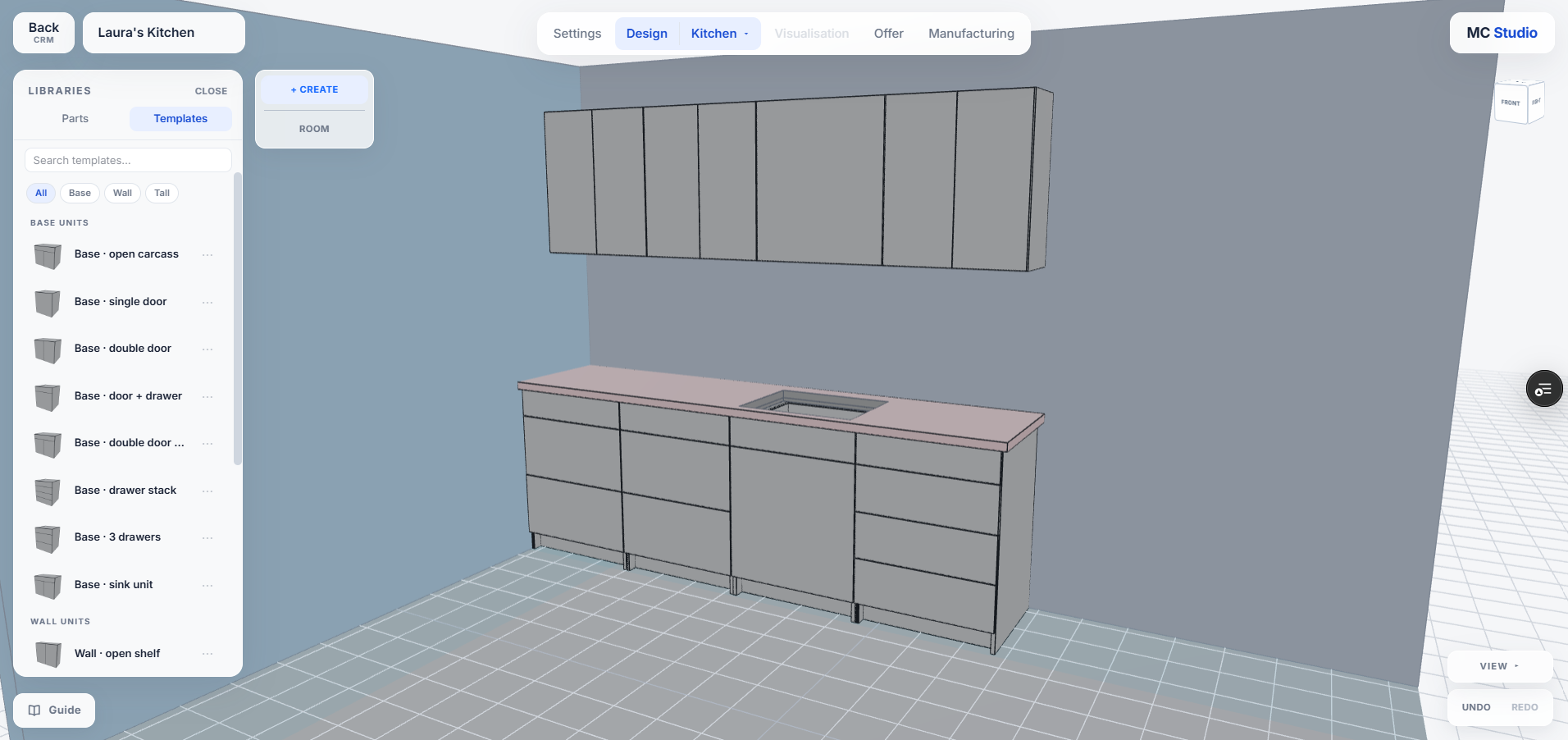
Build your standard cabinets once, then reuse them on every job. Change a dimension and everything downstream follows, including parts, joints, hardware and the cut list.
Pricing
€0
FREE
CRM + DESIGN
PLUS
CRM / CAD + CAM
PROFESSIONAL
CRM / CAD + CAM
Choose CRM and CAD/CAM separately or combine them.
Start with MC Studio for free, then add Plus or Professional capability as your projects and business need more.
Getting started
In-app guide
Tutorials
Guided setup
Learn inside MC Studio, use step-by-step tutorials, and get guided Professional onboarding for areas such as your workspace, CRM, construction methods and templates.
Browser-based on Mac + Windows
Use MC Studio through a supported browser without depending on a Windows-only cabinet-software installation.
Access your workspace
Log in from another supported computer when you are at the workshop, office or away from the shop.
Work solo or with a team
Use MC Studio on your own or give multiple named users access where included by the plan.
One project, connected
Furniture work involves more than the drawing.
Clients, measurements, offers, design decisions, materials, hardware, suppliers, files, workshop preparation and installation all belong to the same job.
MC Studio keeps those different parts connected around the project rather than treating each stage as an unrelated piece of information.
BOM and CNC / G-code workflows are currently in development and testing.
CRM
CAD
CAM
Start where you are
Whether you want to make one project, grow a furniture business or run a professional workshop, start with what you need now. CRM and CAD/CAM can grow independently as your work changes.
Explore MC Studio, keep the customer and project basics together, and design one furniture project for free.
€0
FREE
CRM + DESIGN
When you want to produce
Production Pass
Produce one project without starting a monthly CAD/CAM subscription.
Use MC Studio regularly and add more depth to the commercial side, the design and production side, or both.
PLUS
Choose what you need
Build your setup
CRM Plus
More structure around customers and commercial work.
CAD/CAM Plus
Regular design, cutting lists and sheet layout.
Add Professional depth where your operation needs more advanced commercial or production capability.
PROFESSIONAL
Choose Pro where you need it
Professional options
CRM Pro
Professional commercial workflow depth.
CAD/CAM Pro
Professional design and production depth.
Start where you are. Build the setup you need.
Catch it earlier
MC Studio keeps changes connected and can flag certain conflicts, giving you another chance to review them before the issue travels further into the job.
Changes stay connected
Dependent parts can follow a change instead of being adjusted one by one.
Design ↔ Manufacturing
If Design changes after Manufacturing is prepared, MC Studio can ask before carrying the change forward.
Intelligent screening
Certain dimension, hardware and project conflicts can be flagged for review.
You still make the decisions. MC Studio gives you more chances to catch issues earlier.
See how MC Studio handles changes →One workshop gave us the starting point
MC Studio began inside a real custom furniture workshop.
Our founder, Normunds, designs, manufactures and installs furniture himself. His move from general 3D design toward digital manufacturing and CNC meant learning the specialised software cabinetmakers already rely on. That experience became the starting point for MC Studio.
Help us learn from real work
Show us how you work, test relevant parts of MC Studio and help us understand what the product needs to support real furniture workflows.
Accepted early collaborators receive benefits on the MC Studio plans they choose, alongside closer access to the team and relevant product development.
Limited spots.
Help Shape MC Studio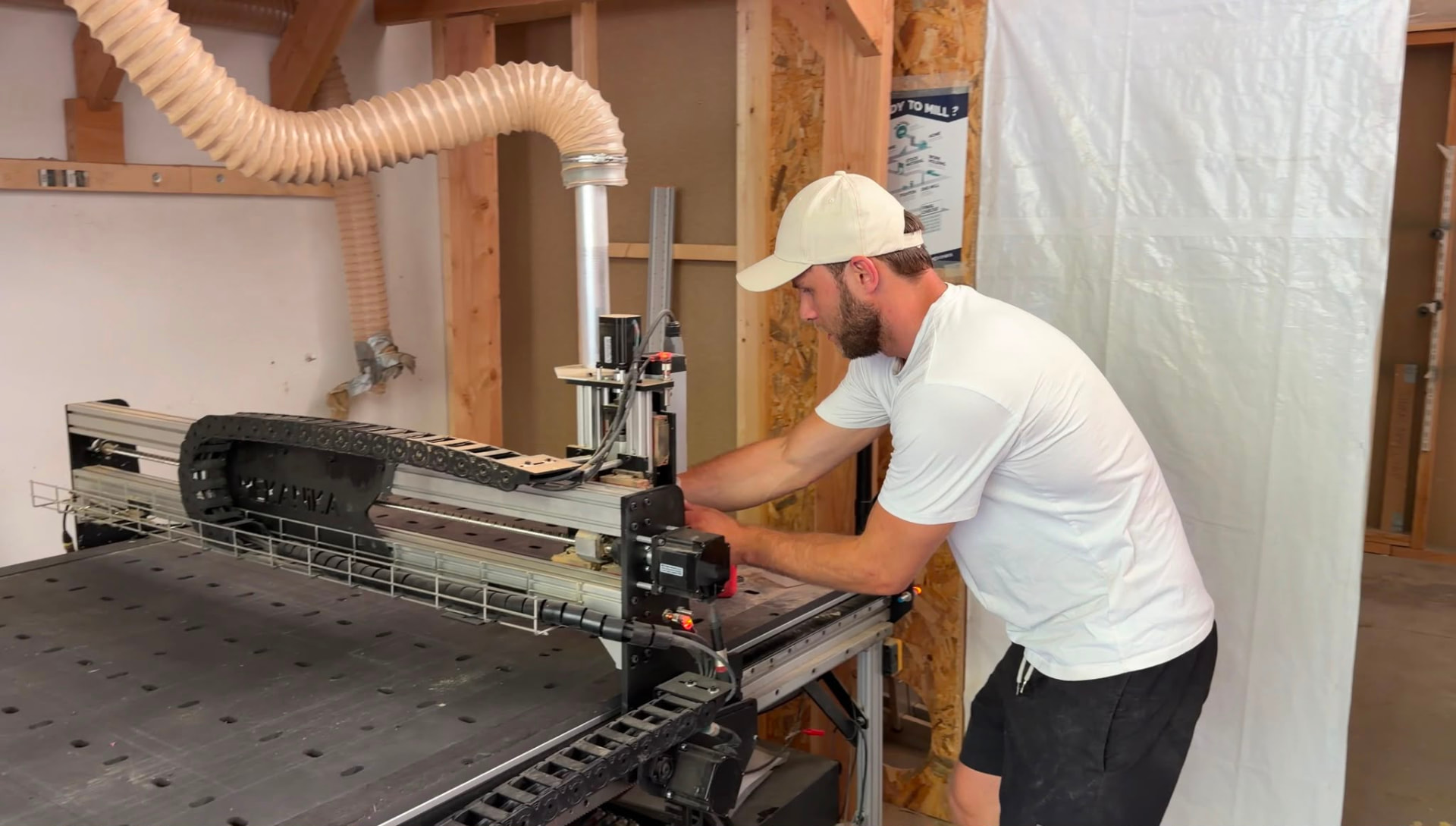
V1 scope
MC Studio V1 covers the connected furniture project from client and design through materials, offers, cutting lists and workshop preparation. CNC machining output and G-code are in development and testing for V2, and compatibility details will be published once the supported machine, controller and post-processor scope is verified.
See MC Studio your way
Join the V1 waitlist and get access as it opens, talk with us and see MC Studio around the kind of furniture work that matters to you, or read the product in detail first.