MC Studio product tour. One project moves through three parts of the same workspace: CRM for projects and customers, CAD for furniture design, and CAM for cutting lists and sheet layout. One project. One MC Studio.
Furniture design + workshop software
Design the furniture. Run the work around it.
CRM, CAD and CAM inside one MC Studio workspace. Keep the project connected instead of rebuilding the same information across separate software, files and paper.
CRM + CAD + CAM. Browser-based on Mac and Windows.
For independent makers, growing furniture businesses and professional workshops.
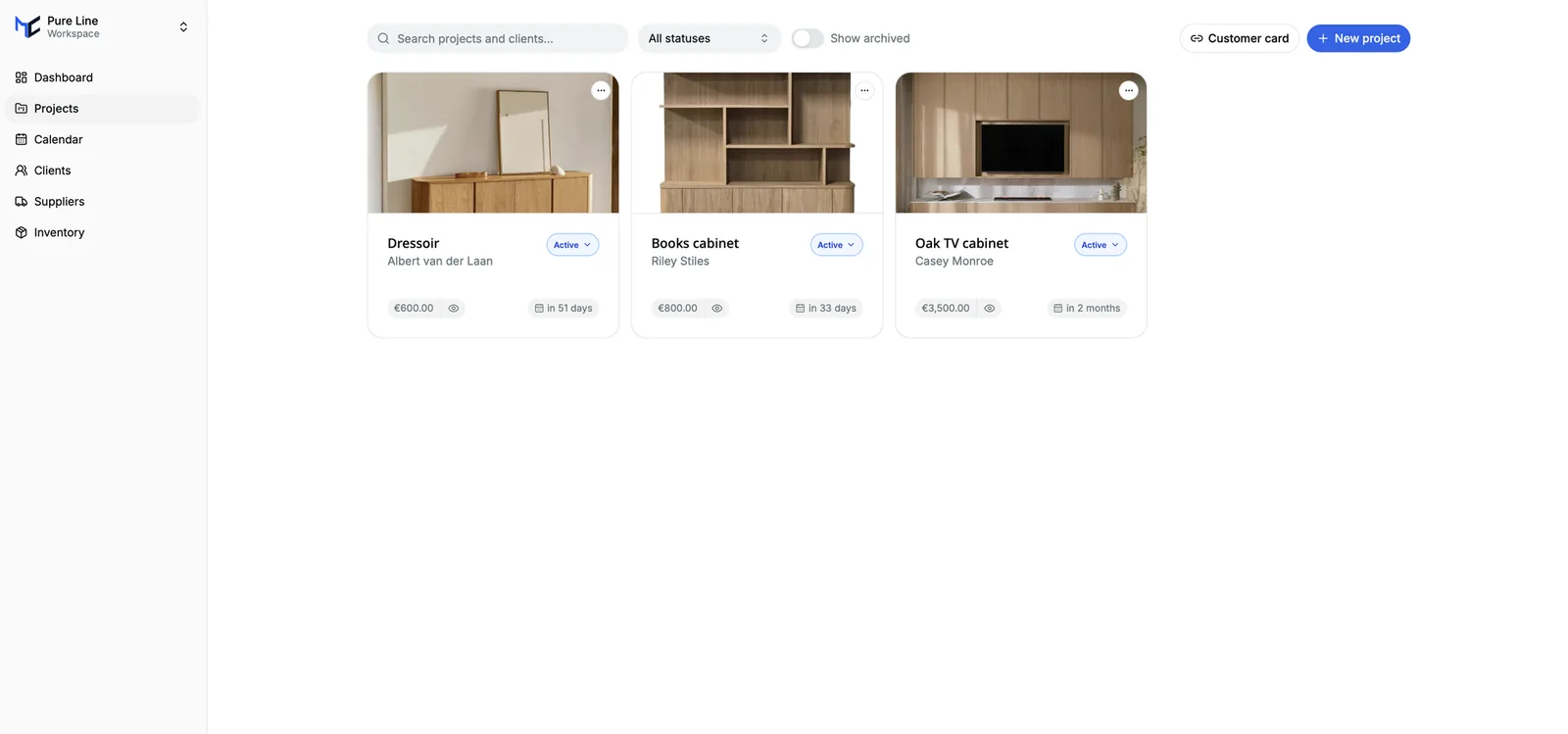
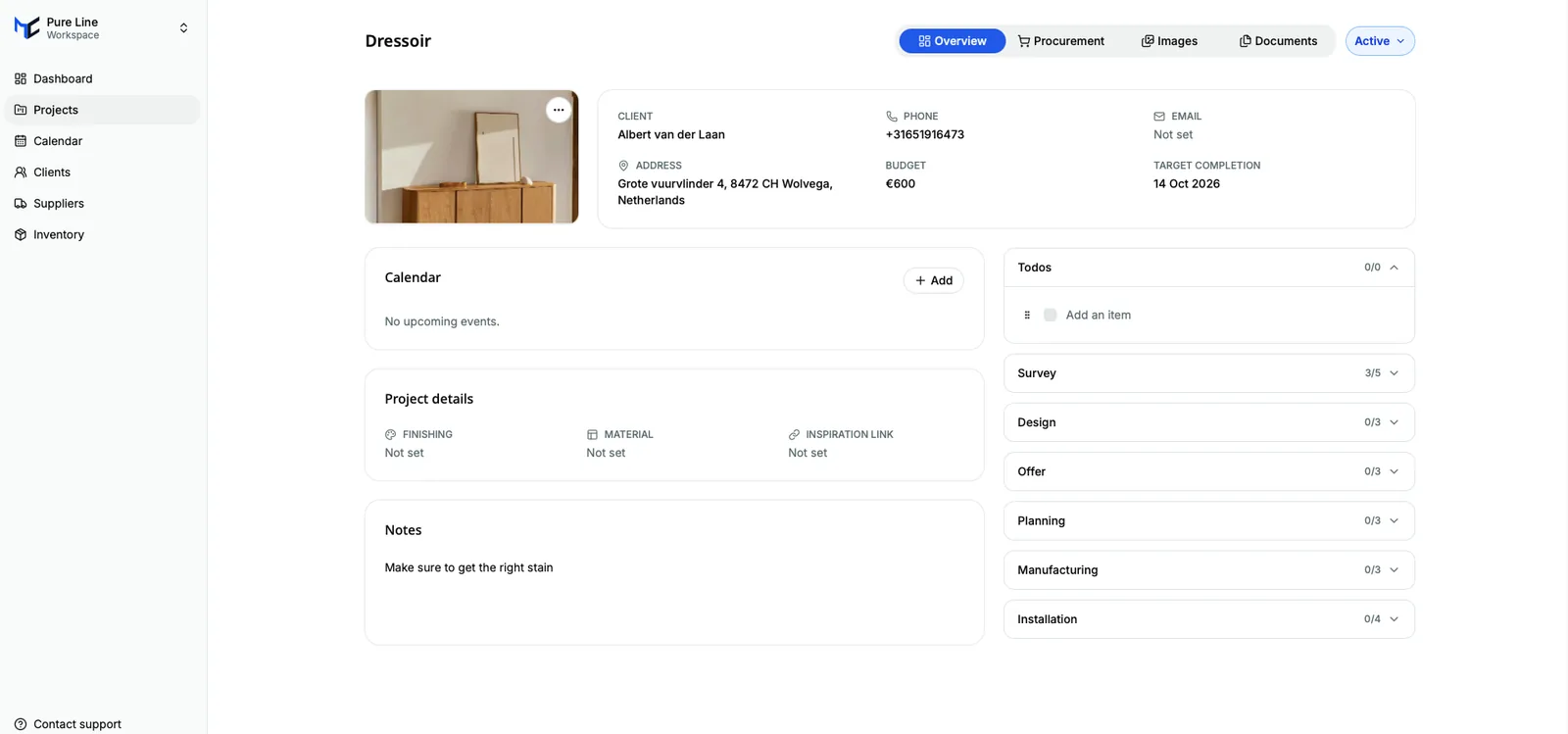
CRM + projects
Keep the job at the centre.
Keep the customer, commercial information and project work around the same job as the furniture itself.
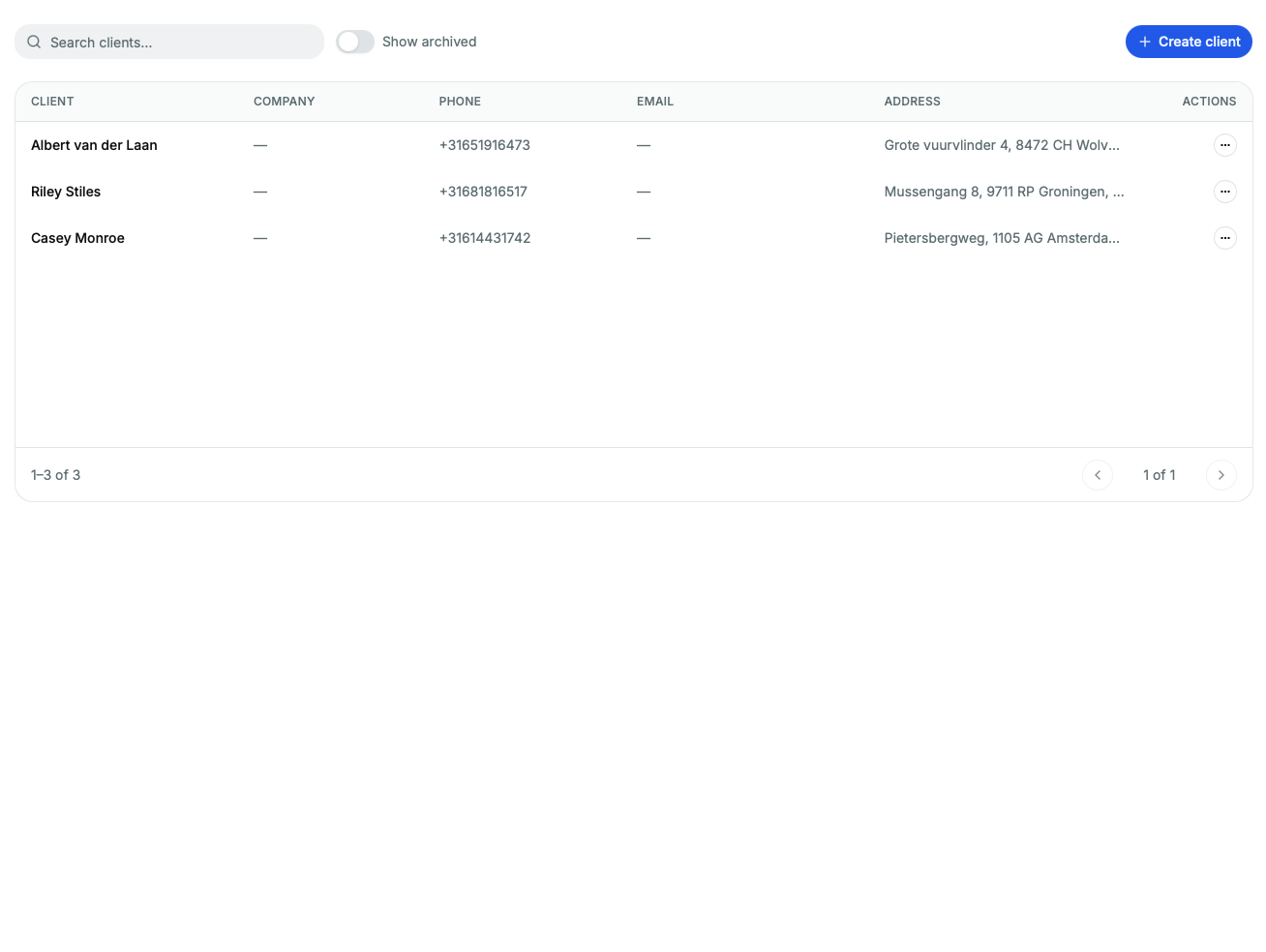
Customers
Know who the work is for and keep the request and follow-up with the job.
Work where the project takes you
Your workspace is not tied to one computer.
- Mac + Windows
- Browser-based access.
- Work elsewhere
- Open the same workspace from another supported computer.
- Multiple users
- Add the people around the work, subject to plan seats.
- Shared MC Studio workspace
- Work from the same MC Studio environment instead of tying the project to one person's computer.
Furniture CAD
Design freely. Keep the furniture logic.
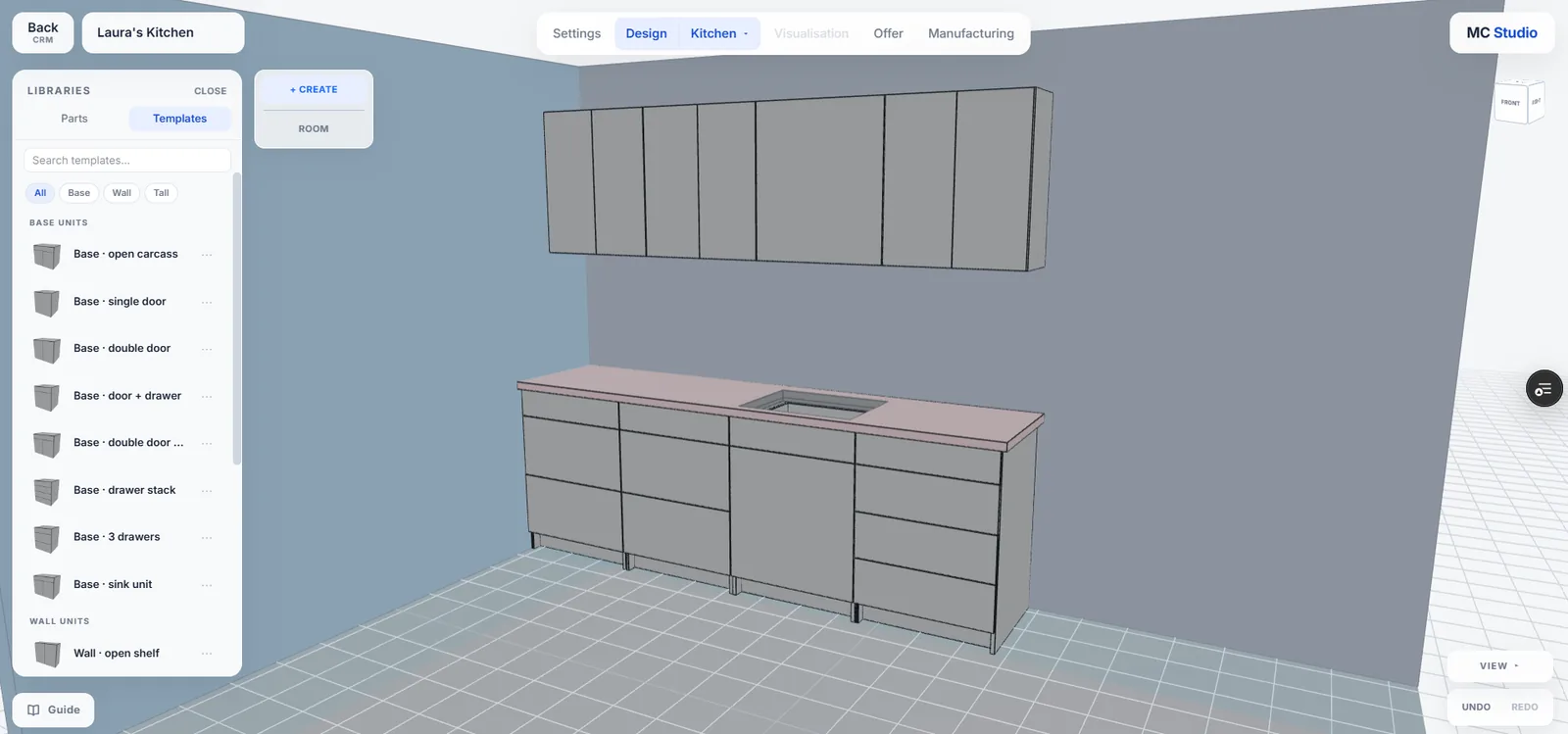
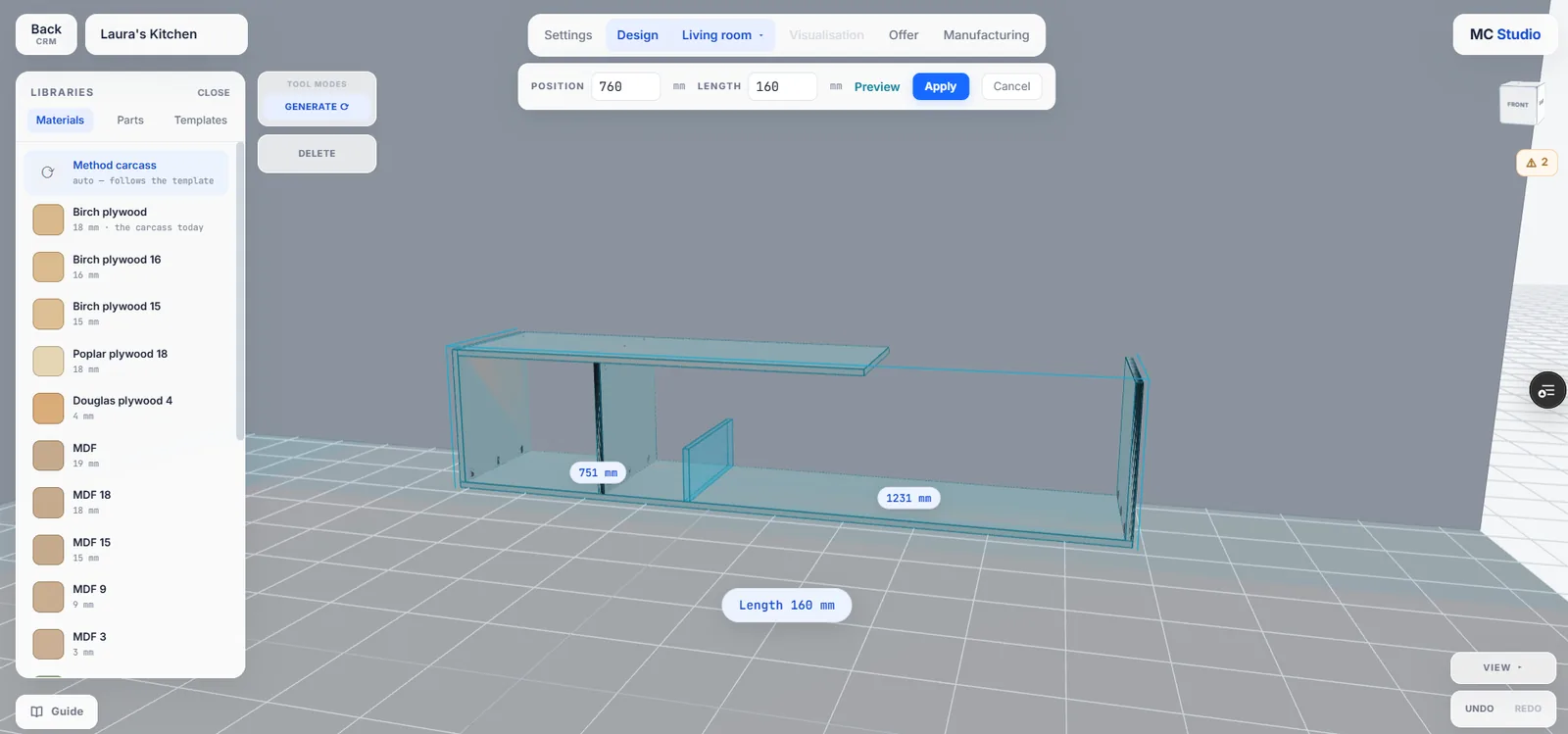
Start from reusable furniture structures or model freely, then work with the materials and hardware around the design.
ProjectRoomCabinetPart
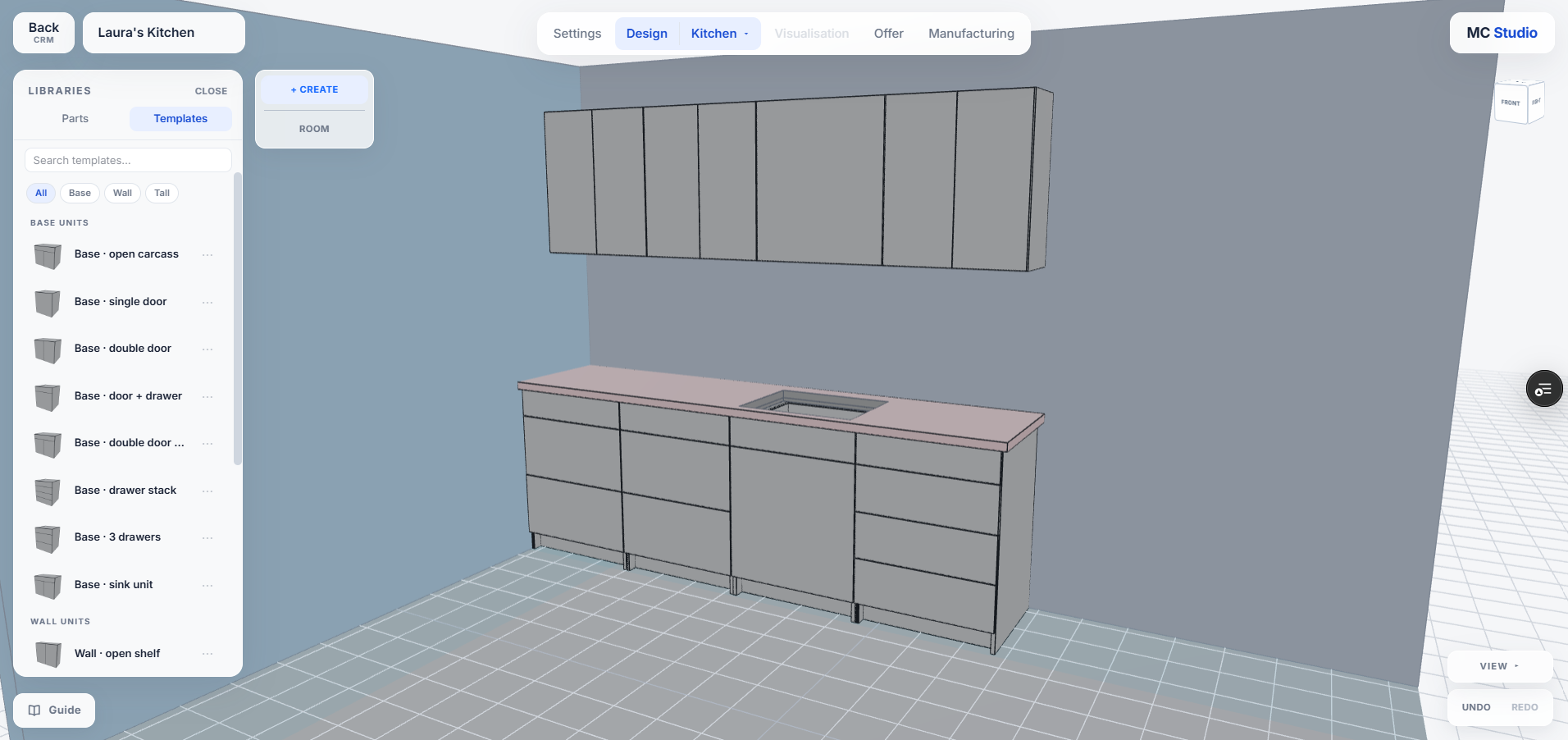
Templates
Reuse furniture structures and let dependent parts follow the changes.
Want to see MC Studio around the kind of furniture you make?
Production CAM
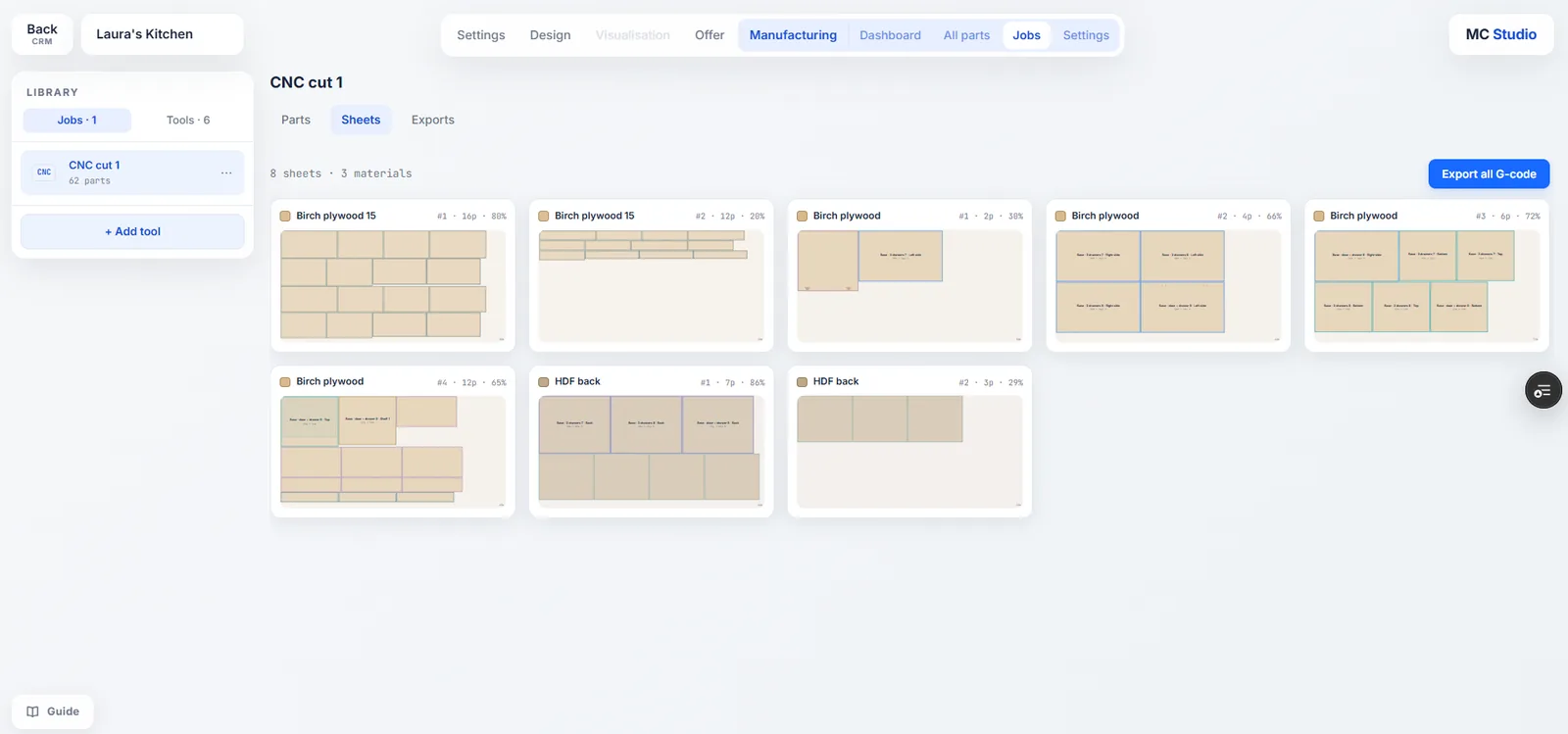
Prepare what needs to be cut.
Turn the furniture design into the cutting information needed for the workshop.
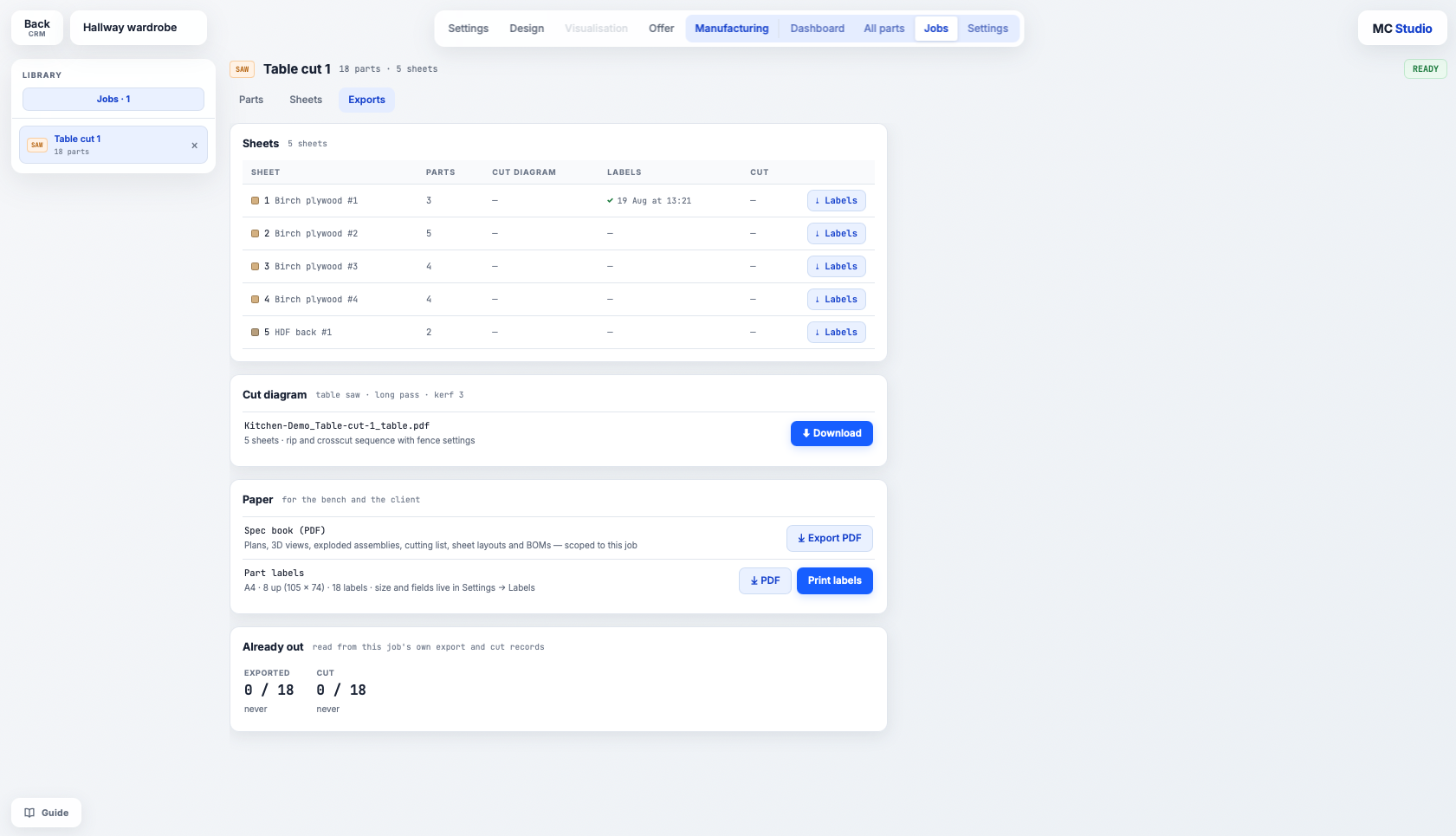
Cutting lists
Get the parts and cutting information from the same project you designed.
Connected changes + checks
See what happens when the project changes.
MC Studio keeps relationships between the design, manufacturing information and selected components visible, so certain changes and conflicts can be reviewed before they travel further into the job.
Three real examples from MC Studio.
Change one thing. See what follows.
- What changed
- A value is edited on the furniture in the design, and the parts built around it are affected.
- What MC Studio does
- Dependent parts can follow the relationships in the design instead of being adjusted manually one by one.
- Why it matters
- You can make a meaningful change without manually searching for every affected part.
You still make the decisions. MC Studio gives you more chances to catch issues earlier.
See the change. Review the conflict. Decide before it travels further.
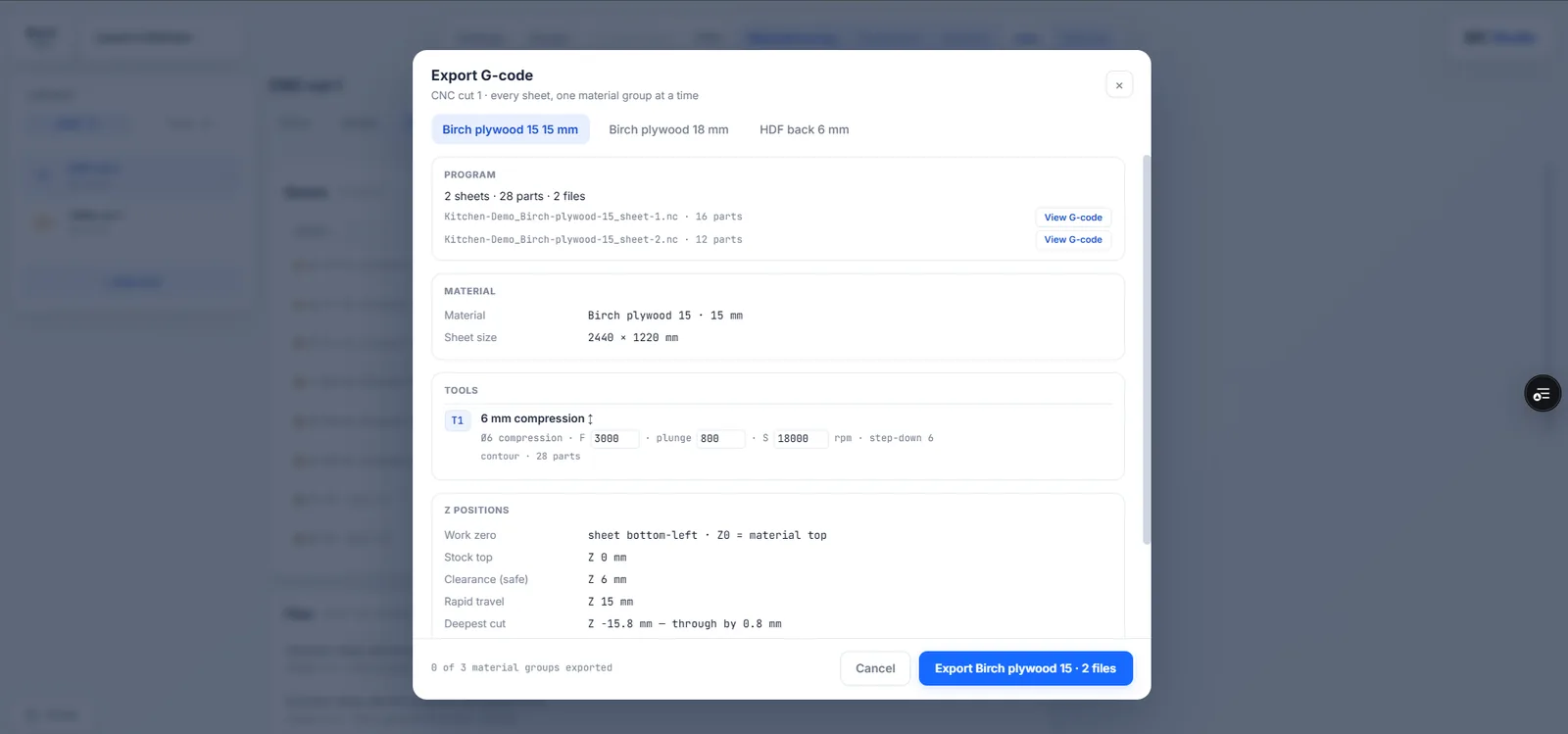
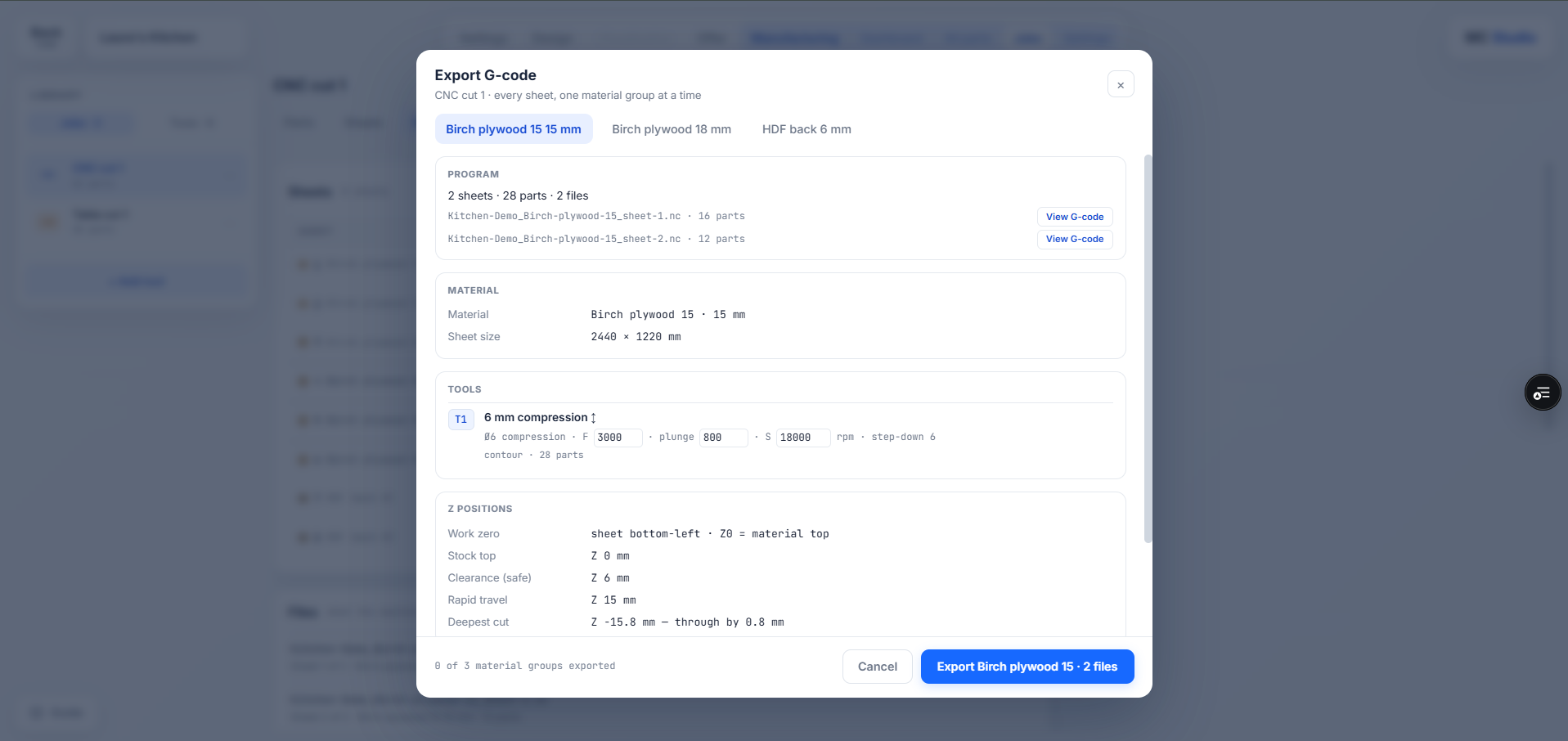
CNC production is being tested now.
MC Studio already generates G-code and has been tested on a 3-axis CNC setup. We are continuing production testing before publishing broader machine, controller and post-processor compatibility.
Also in V2
BOM. A structured bill of materials is also being developed for V2.
See how MC Studio fits your work.
Explore it yourself when V1 opens, or let us show MC Studio around the kind of furniture you make.